Central overview of the shop floor - Real-time workplace status
ALL, PRODUCTION, INTERACTION, SHOPFLOOR, LEAN MANAGEMENT, PEAKBOARD HUB
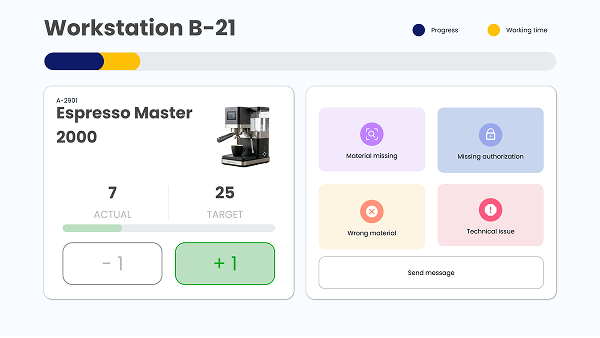
This innovative template is designed for a modern production environment and is part of a solution with two screens. The goal of the two views is to optimize efficiency and communication in the workplace. To access the interactive HMI template at the workstation, click here.
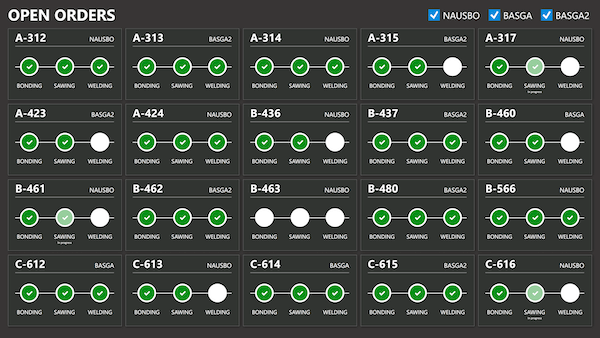
This application provides area managers with a clear overview of production processes in real-time. Each workstation is displayed as a tile, and color codes alert when an employee at the workstation (using the second application) reports an error. This allows for quick responses to disturbances and enhances production efficiency.
By clicking on a workstation, a detailed view of individual workstations can also be displayed. For demonstration purposes, in this template, only the detailed view of workstation 21 is clickable, as this workstation is linked to the second template.
Download the template now for free and customize it to meet your individual needs. Also, take a look at the template for the worker’s screen.